
amritalife.com
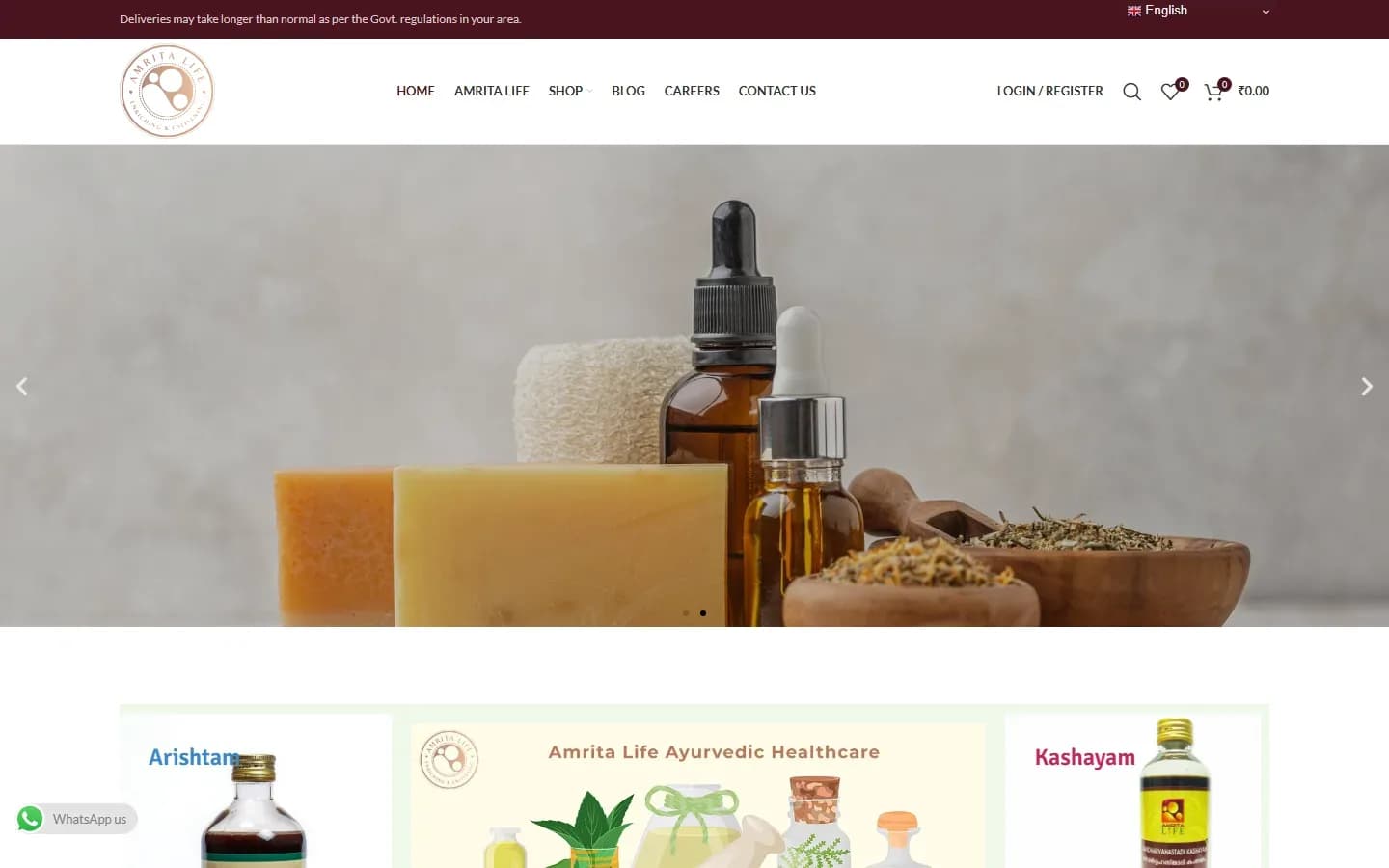
Ayurveda & wellnessKerala
AmritaLife
WooCommerce store for Ayurvedic healthcare products, with product categories, wholesale (B2B) pricing for trade buyers and a translated storefront.
Integrations & automation
Enquiries copied by hand into spreadsheets. Payment links sent one by one. Leads that sit in an inbox until someone remembers them. Our website integration and business automation services connect your site to your payment gateway, WhatsApp, CRM, Google Sheets and email, so routine follow-up happens on its own and your team spends its time on customers.
Pricing: Custom quoteClear proposal before work startsHow pricing works
Integrations
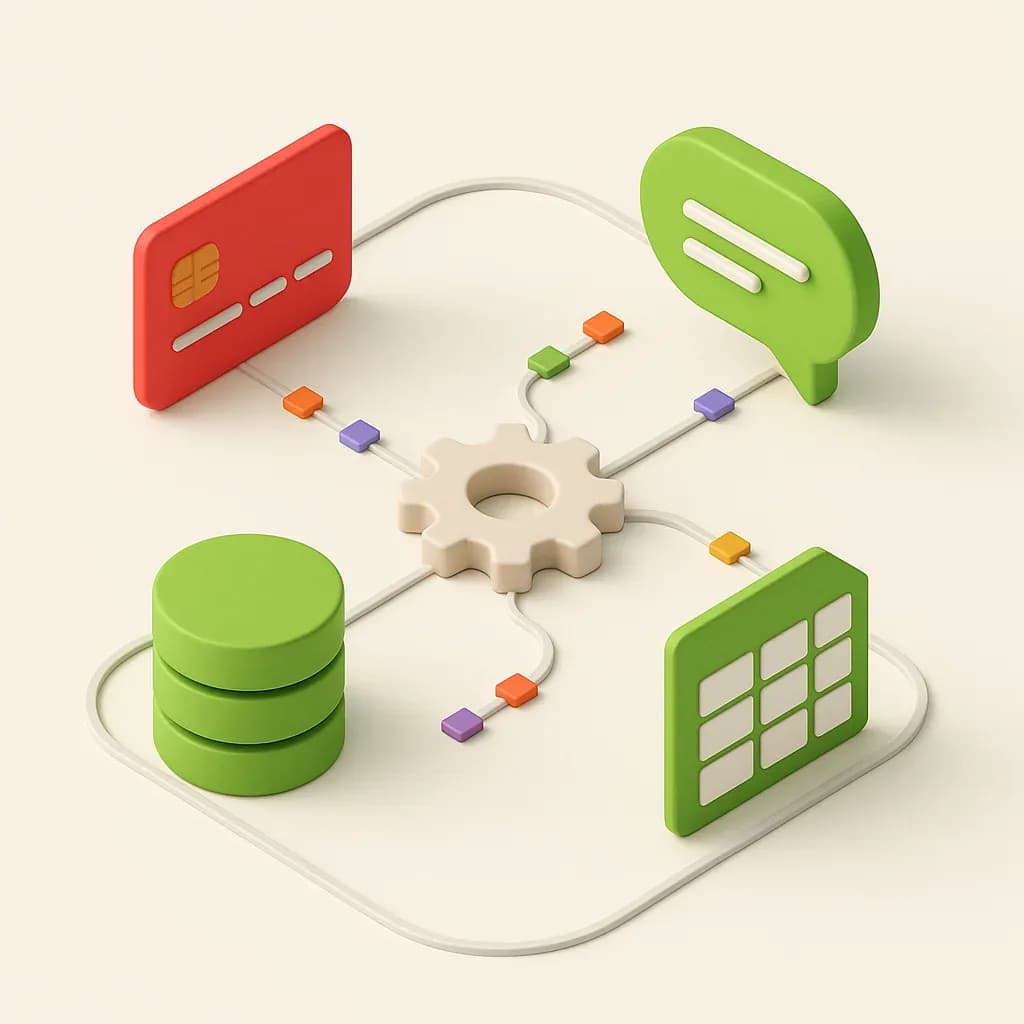
Most business software offers an API, webhooks or a reliable connector. These are the connections we set up most often.
We can integrate payment gateways such as Stripe, PayPal, Razorpay and other suitable providers depending on your market and requirements, for checkout, payment links, deposits and service payments.
Click-to-chat buttons with pre-filled messages, and WhatsApp Business notifications for new orders, enquiries and confirmations.
Website enquiries sent straight to Zoho CRM, HubSpot or your sales tool, tagged with source and campaign and assigned to the right person.
Form entries logged to Google Sheets, instant email alerts to your team and an automatic acknowledgement to the customer.
Your scheduling tool connected to your website, calendar and CRM, with confirmations and reminders sent automatically.
GA4, Google Ads and Meta conversion events for forms, calls and WhatsApp clicks, so you can see which campaigns bring enquiries.
Business automation
Good automation takes over the copy-and-paste work, not the relationship. New enquiries are logged, assigned and acknowledged the moment they arrive. Paid orders update your records without anyone retyping them. Reminders go out on time because nobody has to remember to send them.
We start with the tasks your team repeats every day, then automate the ones where a mistake or a delay costs you a customer.
Choosing the approach
There are three ways to connect tools, and we recommend the simplest one that will stay reliable.
If the problem is bigger than connecting two tools (for example, your team needs its own system to manage a process from start to finish), that's a job for a custom web application rather than another integration.
AI assistants
Where it genuinely helps, we add an AI assistant that answers common questions from your own website content and documents: opening hours, services, delivery areas, how to book. When a question goes beyond what it knows, or a customer asks for a person, it hands the conversation to your team on WhatsApp or email.
We're upfront about the limits. An assistant only knows what you give it, it can still make mistakes, and it should never be the only way to reach you. We keep its scope narrow and test it on real questions before it goes live.
Process
We look at how enquiries, orders or payments move through your business today, and where time or leads are lost.
We check your accounts, plans and APIs, confirm what can be connected and send a written quote.
We connect the tools and test real submissions and payments end to end, including what happens when something fails.
We document how each connection works and show your team what to check if a connected tool changes its settings.
Accounts for your CRM, payment gateway, WhatsApp and automation tools stay in your business's name.
Beyond integrations
Integrations work best when the software you already use covers most of the job. If your team is still running a key process in spreadsheets, or no tool fits the way you work, the answer may be a purpose-built application instead. We scope those separately through our web app development service, starting with a short discovery.
FAQ
Payment gateways, WhatsApp, CRMs such as Zoho or HubSpot, Google Sheets, email marketing tools, booking and calendar tools, and most other software that offers an API or webhooks. Tell us what you use and we'll confirm what's possible.
Integrations and automation are quoted on scope: which tools need to connect, whether data flows one way or both ways, and how much logic sits in between. A single, well-defined integration or automation workflow is often a smaller project, and small, clearly scoped integration tasks start from $99. Larger automation projects and AI assistants are quoted individually.
Tool subscriptions, automation platform plans and usage fees (for example WhatsApp message charges) are billed by the provider to your account. If what you need is a system of its own rather than a connection, see web application development.
Yes. We connect your forms to Zoho CRM, HubSpot or the sales tool you use, so each enquiry arrives as a lead with its source, page and campaign details, and the right person is notified. We test it with live test submissions before handing over.
We can integrate payment gateways such as Stripe, PayPal, Razorpay and other suitable providers, depending on your market and requirements. For example, Razorpay supports UPI, cards and net banking for Indian buyers. Each gateway requires your business to open its own merchant account and be approved for it.
Yes, at two levels. Click-to-chat buttons with a pre-filled message are quick to add and cost nothing to run. Automated WhatsApp notifications, such as order or booking confirmations, need access to Meta's WhatsApp Business Platform, approved message templates and a verified business number, and Meta may charge per message. We explain the setup and running costs before you decide.
Both. Zapier and Make are a good fit for simple, low-volume workflows, and your team can see and adjust them. A custom integration makes more sense when volumes are high, the logic is complex, the subscription cost keeps climbing, or you want the workflow to run on your own systems. We recommend the simplest option that will stay reliable.
Yes. We can add an assistant that answers questions from your own website content and documents, and hands the conversation to a person on WhatsApp or email when it can't help or the customer asks. It won't know anything you haven't given it, and it can still get things wrong, so we keep its scope narrow, test it on real questions and make the handover to a person easy.
Portfolio
Live websites for real businesses, with screenshots taken from the live sites.
WooCommerce store for Ayurvedic healthcare products, with product categories, wholesale (B2B) pricing for trade buyers and a translated storefront.
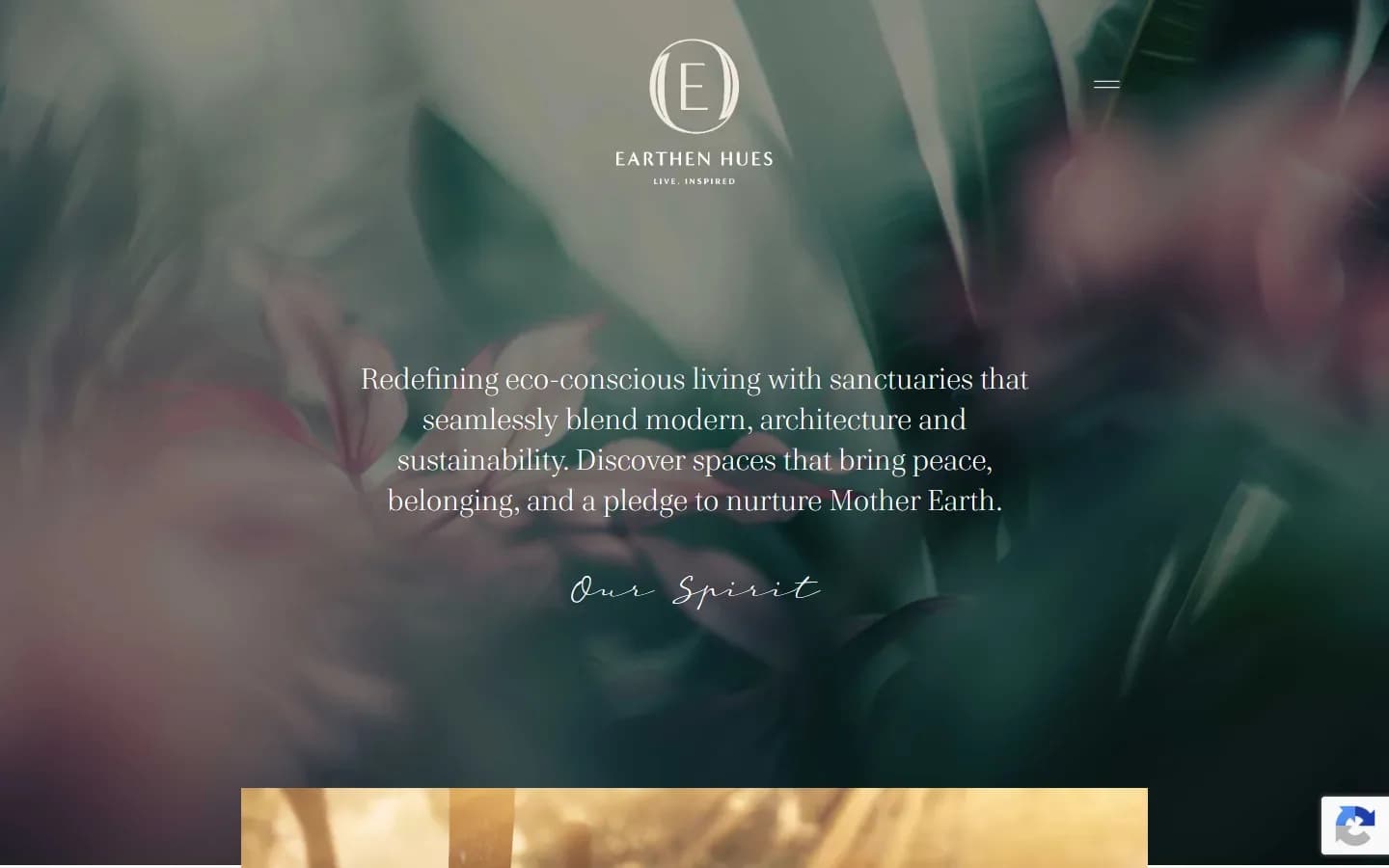
Marketing website for plotted real estate developments in North Bengaluru, with individual project pages and enquiry forms connected to a CRM.
Read next

A website that gets no enquiries has either a traffic problem or a conversion problem. Here is how to tell which, and the practical fixes for each, before you pay for a redesign.
29 Sept 2026
Related services
We reply within 24 hours. No obligation, no sales script: just a clear answer on scope, timeline and price.